Add a comment
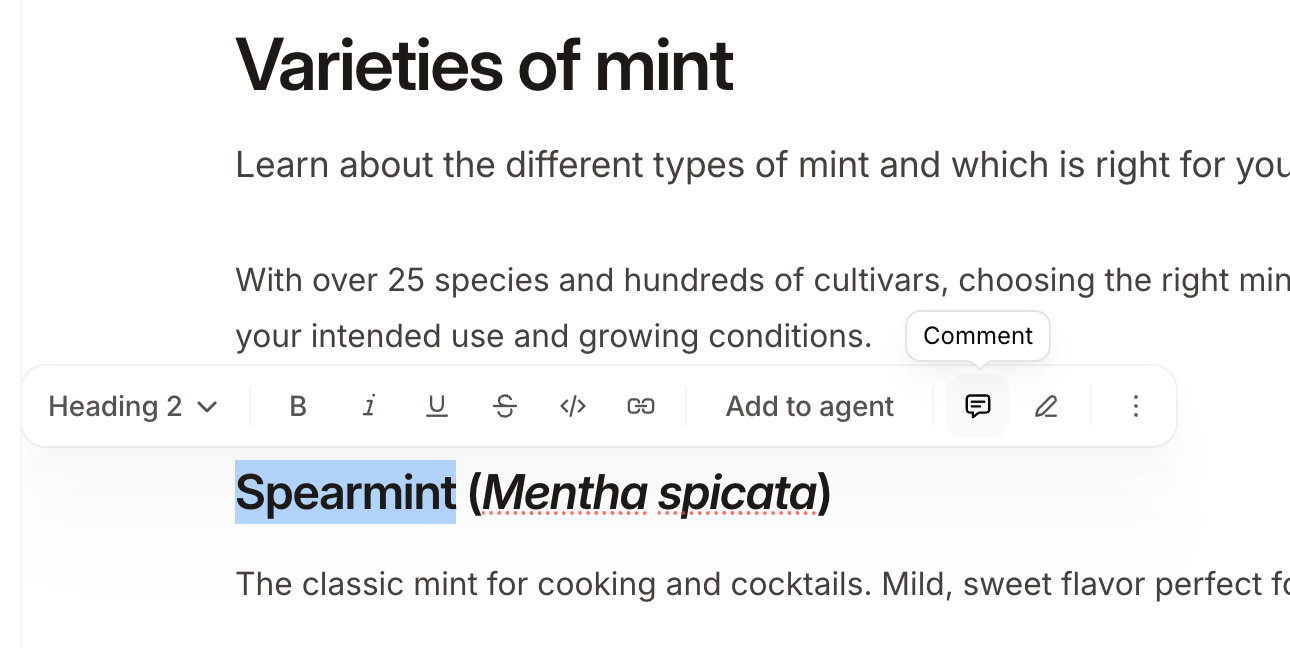
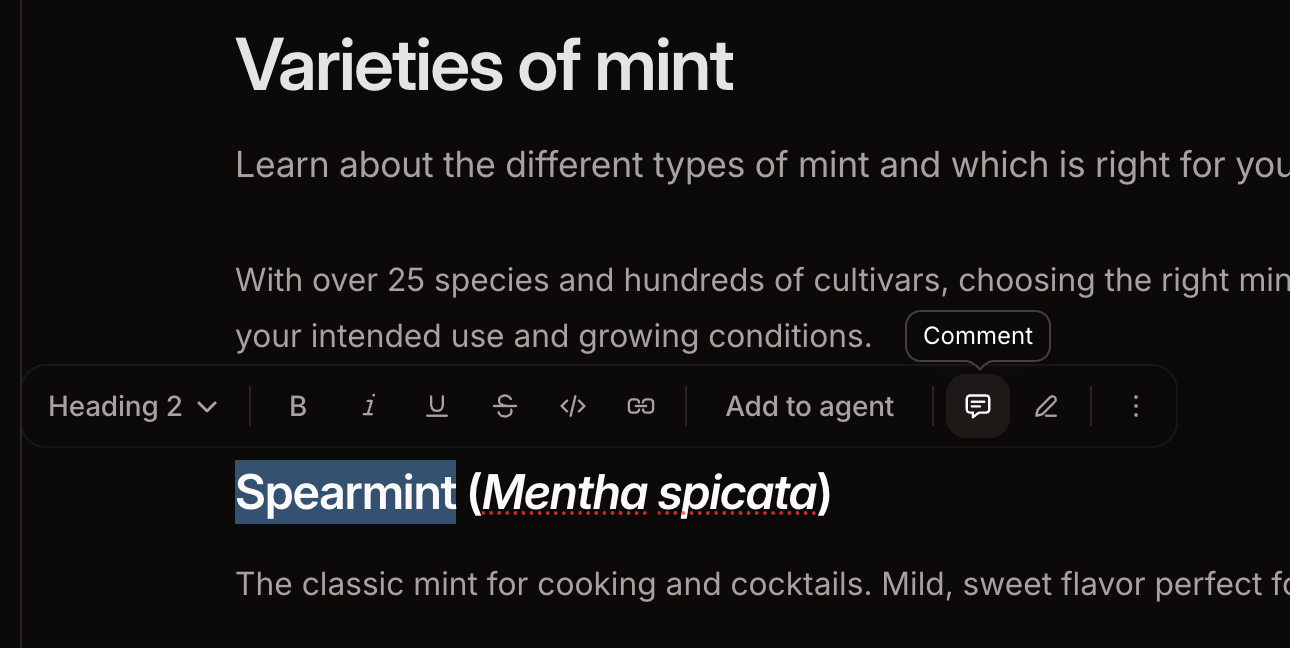
- Highlight the text you want to comment on.
- Click the Comment icon in the toolbar.
- Type your comment and press Enter to submit.
Reply to a comment
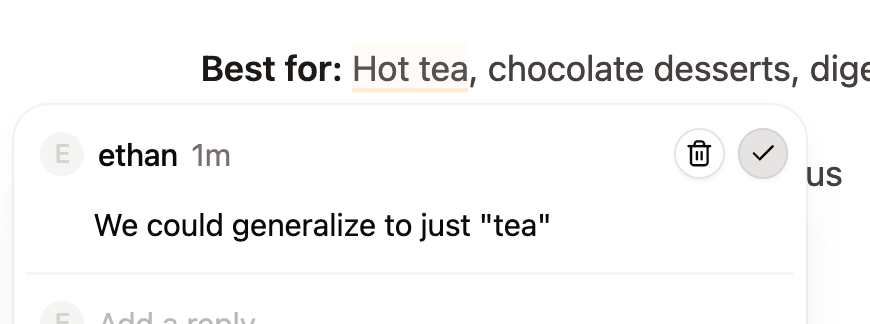
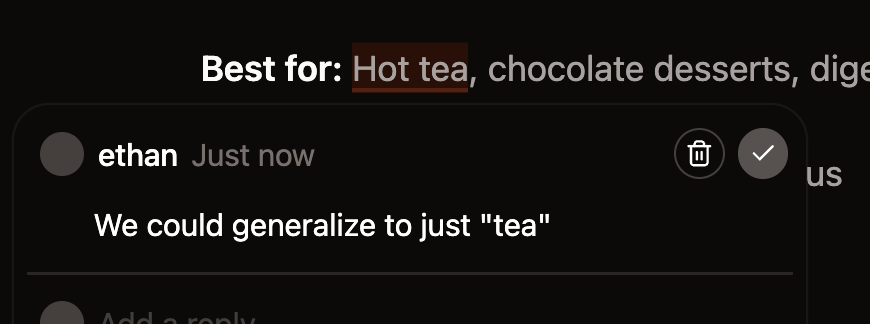
To open a comment thread, click the highlighted text or click the thread in the comment sidebar. Type your reply and press Enter to submit.

Mention a teammate
Type@ in a comment or reply to mention a teammate. People must be a member of your organization for you to mention them.
Mentioned teammates receive an email notification.
Resolve a comment
Editors and admins can resolve threads when a discussion is complete. Click the checkmark icon to resolve a thread. Resolved threads are removed from the comment sidebar and the highlight is cleared from the page.